Before running the workflow
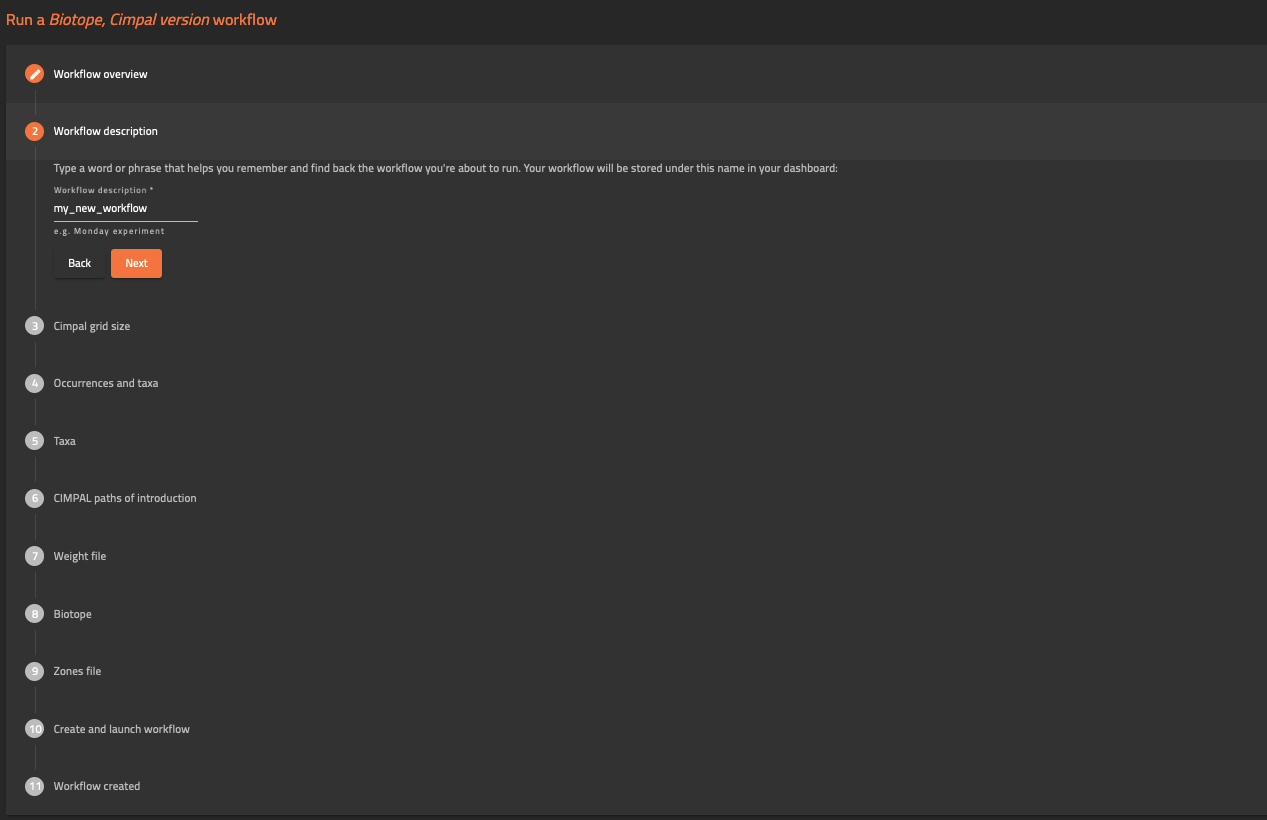
The user must prepare a set of files before running the workflow. These files can be uploaded previously in the “personal space”, or in each step of the workflow.
1. Occurrences Dataset: Dataset of species occurrences. It should be a .txt file contained within a .zip file with TSV (tab separated values), up to 6 columns, and its first row should contain the following column headers:
- decimalLatitude (numeric): the latitude of the observed specimen expressed in decimal degree in WGS 84 coordinate system (EPSG:4326)
- decimalLongitude (numeric): the longitude of the observed specimen expressed in decimal degree in WGS 84 coordinate system (EPSG:4326)
- scientificName (text): the scientific name of the species
- year (numeric): the year of the observation
2. Alien Taxonomy Dataset: List of alien species scientific names. It should be a .txt file contained within a .zip file with TSV (tab separated values), with 2 columns, and its first row contains the headers:
- scientificName (text): the scientific name of the alien species
- dispersionRadius (numeric): a species potential daily range (as an individual trait, not an observation property), expressed in meter. A default value of 50 meters is used if the field is not provided.
3. CIMPAL paths of introduction: Paths of introduction for each NIS taxa. It should be a .csv file (with TSV) in a matrix format with the first column listing the pathways of introduction categories and the subsequent n columns headers (first row) being the alien species scientific names <scientificName1>, which must match the names in the input file used in Alien Taxonomy Dataset Uploader (field scientificName):
- row names (column 1) (text): “SpSciName”; “ALL”; <path1>; <path2>; <path3>; …
- column headers (column 2 to n+1) (text): <scientificNameA>; <scientificNameB>; <scientificNameC>; …
- (matrix cells) binary value (0/1) (integer): indicates if the pathway of introduction applies (1) or not (0) to a given alien species. In row ‘ALL’ always indicate (1): this will allow you to generate the cumulative CIMPAL index for all species, not filtered by pathway of introduction.
4. Weight file: List of values of impact for
each taxon inside of each biotope. It should be a .csv file (with TSV) in a
matrix format with the first column listing the alien species names scientificName and the subsequent
n columns’ headers (first row) being the n habitat names <habitatname>. These names
must correspond to the names of each spatial layer uploaded in as Biotopes shapefiles
and must be written in lower case. The cells in the matrix correspond
to the value of the Magnitude of Impact (MoI):
- (column 1) scientificName (text): the scientific name of the alien species must match the names in the input file used in Alien Taxonomy Dataset Uploader (field scientificName)
- (row 1, column 2 to n+1) <habitatname> (text): the habitat names (lower case) must match spatial layers habitat names in input files 5 Biotopes.zip (<habitatname>)
- (matrix cells) (integer): score of the Magnitude of Impact (MoI) of each species in each habitat, according to the scoring protocol adopted by the user.
5. Biotope shapefiles: Spatial layers for each habitat. It should be a set of shapefiles contained within a .zip file. Each file should be named as single_<habitatname>.shp (write all habitat names in lower case). Please make sure that the names in the shape file match the names in the weight file. Project the habitat shapefiles in LAEA (EPSG:3035).
6. Zones shapefiles: Spatial layer(s) for aggregating results. It should be one or more shapefiles contained within a .zip file. The zone shapefile must be in LAEA (EPSG:3035), and it must also contain a numeric field named "id_habitat" identifying each zone (unique zone code 1 to n).