Accessing the workflow
Section: Accessing the workflow | Biotope - Cumulative IMPacts of invasive ALien species (CIMPAL) version | LifeWatch ERIC Training Platform
-
The Workflow is accessible on the web-portal of LifeWatch, using the link https://www.lifewatch.eu/internal-joint-initiative/workflows/.
Here, select the ‘Biotope’ workflow. Several login options are available, including LWOS (LifeWatch), Google, or EGI / EOSC credentials (Fig. 1).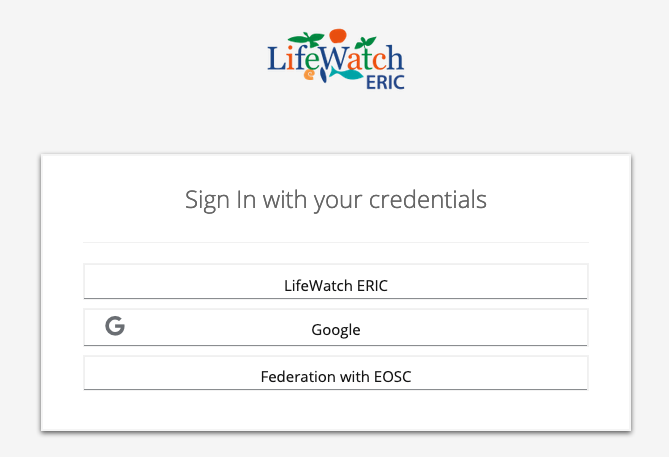
Fig. 1. Login interface. The user can access the workflow using LWOS (LifeWatch), Google, or EGI‑EOSC credentials.
This will route to your personal space on the Tesseract, opened on the workflow information page. On the left side panel, you will find the available workflows. The Biotope vulnerability Workflow is currently available in three versions (Fig. 2):
a) the Incidence version
b) the Incidence GBIF version
c) the Cimpal version.
In the Dashboard you will find the status of your workflows.
Both Incidence versions have dedicated tutorials and will not be further discussed here.
Under the dropdown menu, you will also find a link to the Workflow information. At any moment, in the lower right corner, there is a shortcut (an orange attention icon) to e-mail the development team.
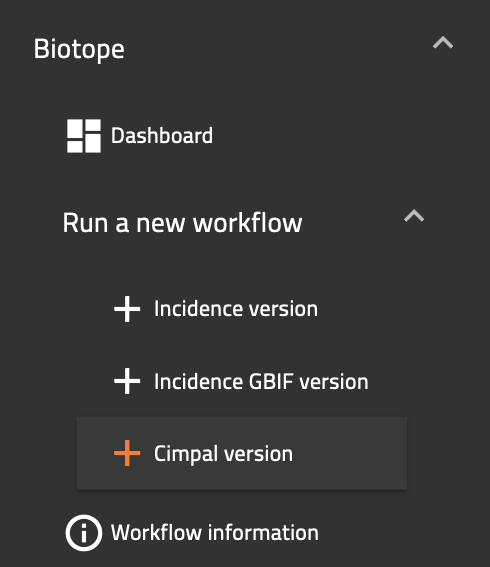
Fig. 2. Access links to the Biotope workflow versions, available on the left side panel.