Accessing the workflow
The Workflow is directly accessible on the web-portal of LifeWatch ERIC using the link https://my.lifewatch.dev/workflow/create-workflow-from-template/lucassoil. Several login options are available, including LWOS (LifeWatch), Google, or EGI / EOSC credentials (Fig. 2).
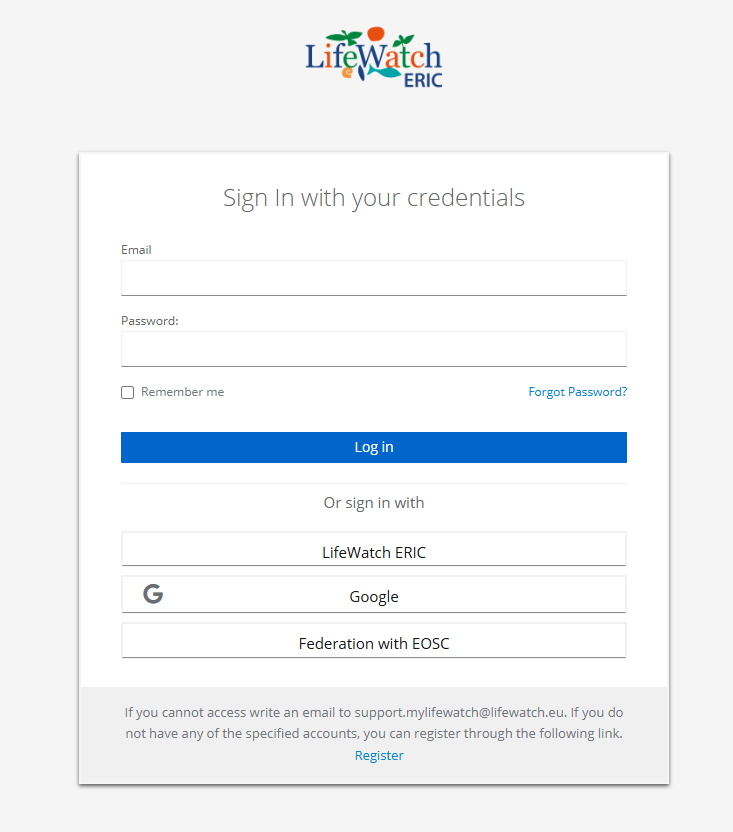
Fig. 2. Login interface. The user can access the workflow using LWOS (LifeWatch), Google, or EGI‑EOSC credentials.
If you are already navigating on the 'My LifeWatch ERIC' digital platform (https://my.lifewatch.eu), you can access the VRE by following this path (figure 3):

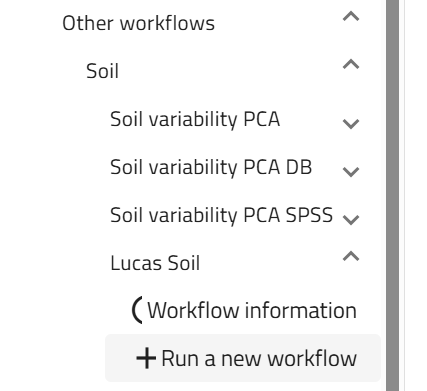
Fig. 3. Access path to the LUCAS Soil workflow versions, available on the left side panel in My LifeWatch ERIC.