10. Save and launch the workflow
With the previous steps successfully completed, you can now save your workflow to the platform and run it (Fig. 13).
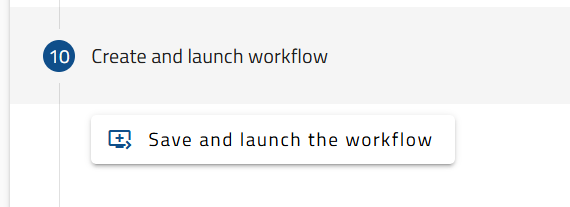
Fig. 13. Button to save and launch the workflow.
Once the workflow is successfully created, two buttons will allow you to navigate either to your personal ‘Workflow List’, where you can visualise all your workflow list saved in the dashboard of My LifeWatch ERIC, or directly to the ‘Workflow Insight’ section (Fig. 14).
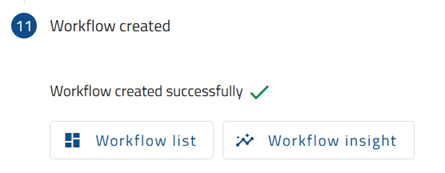
Fig. 14. Workflow control buttons.