5. Getting the Results
Section outline
-
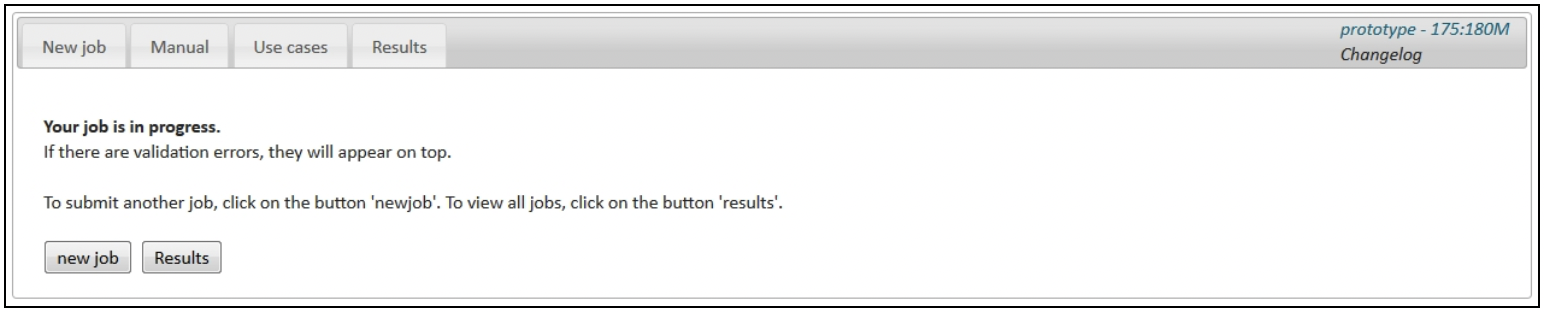
Click "Start". The following message appears:
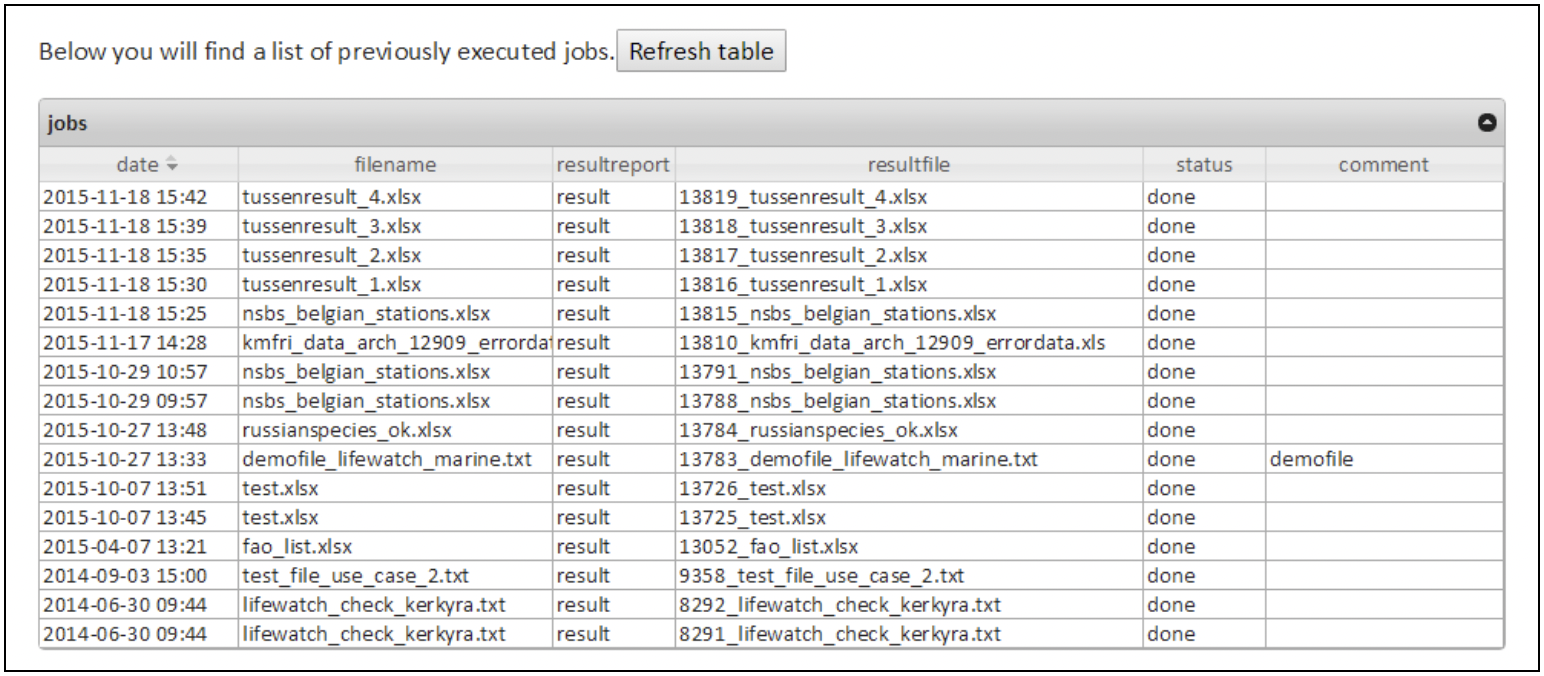
Your results will appear at the top of the results table. The "filename" is the original data file you uploaded. Within the "resultfile" additional columns have been added to the original file, containing information derived from the requested data services. The "resultreport" gives an overview of the requested web services and any errors that might have occurred during the process. These files are linked to your account and can be downloaded for further analysis at any time.