5. Getting the Results
Section outline
-
Click "Start". The following message appears:
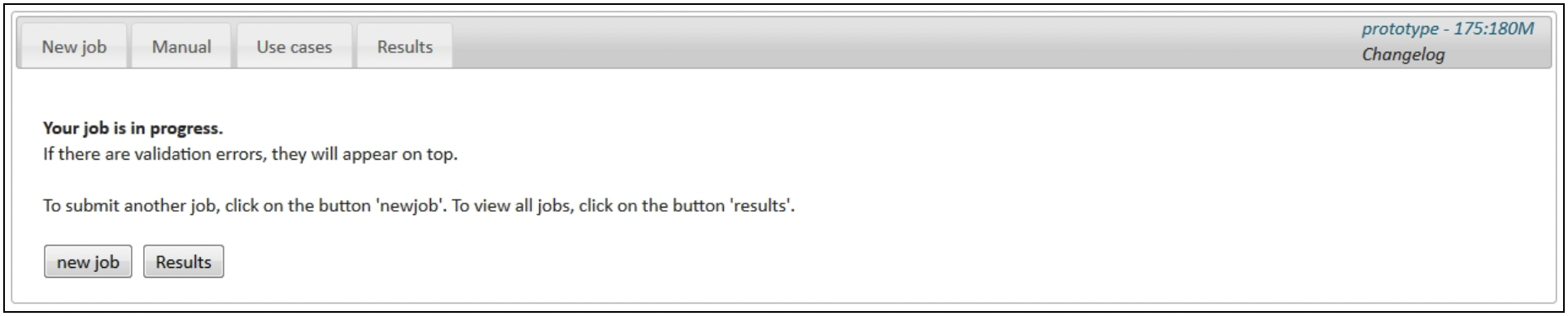
Click on "Results". Your result file will appear at the top of the results table. The result file is also available through the result report.
-
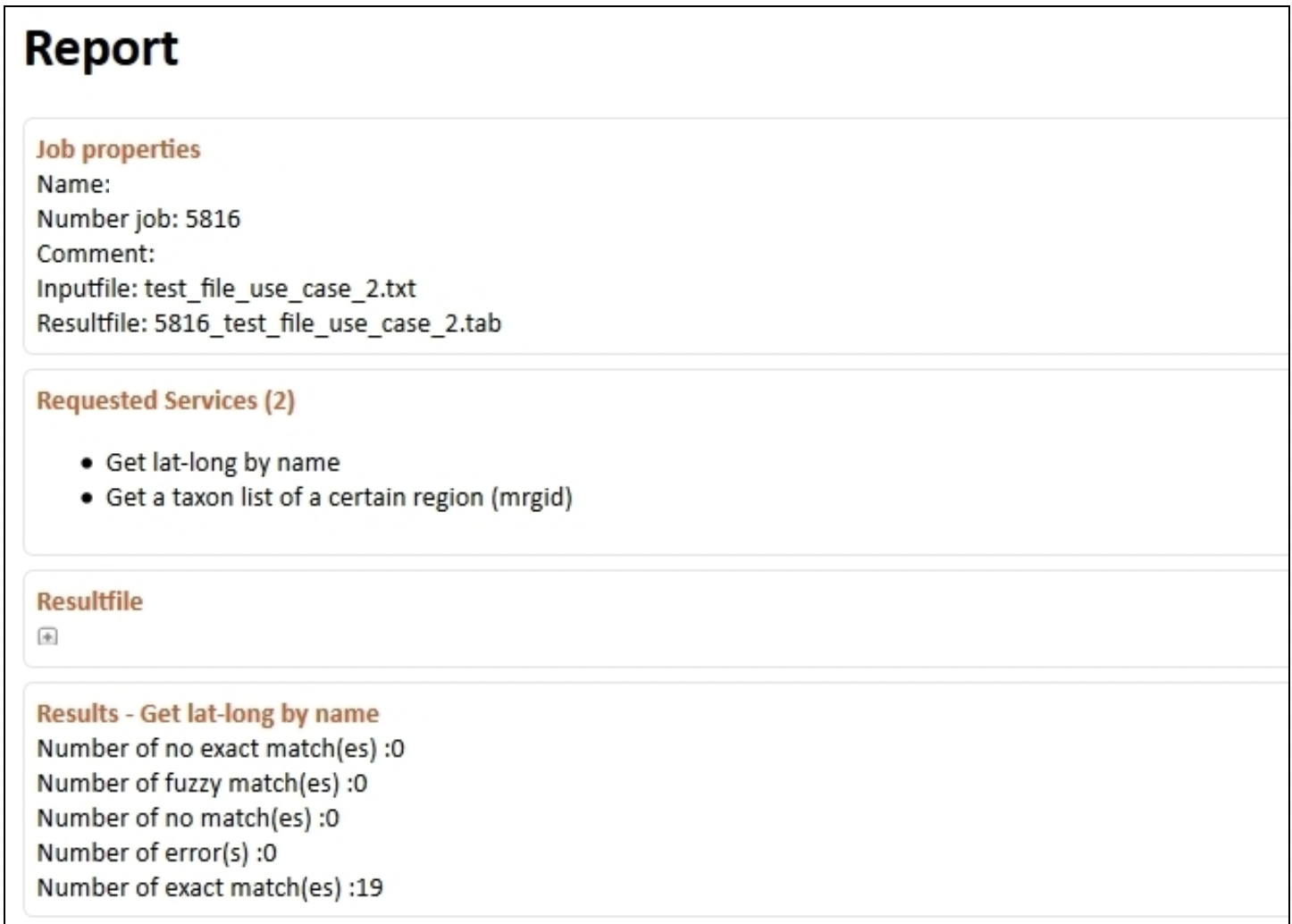
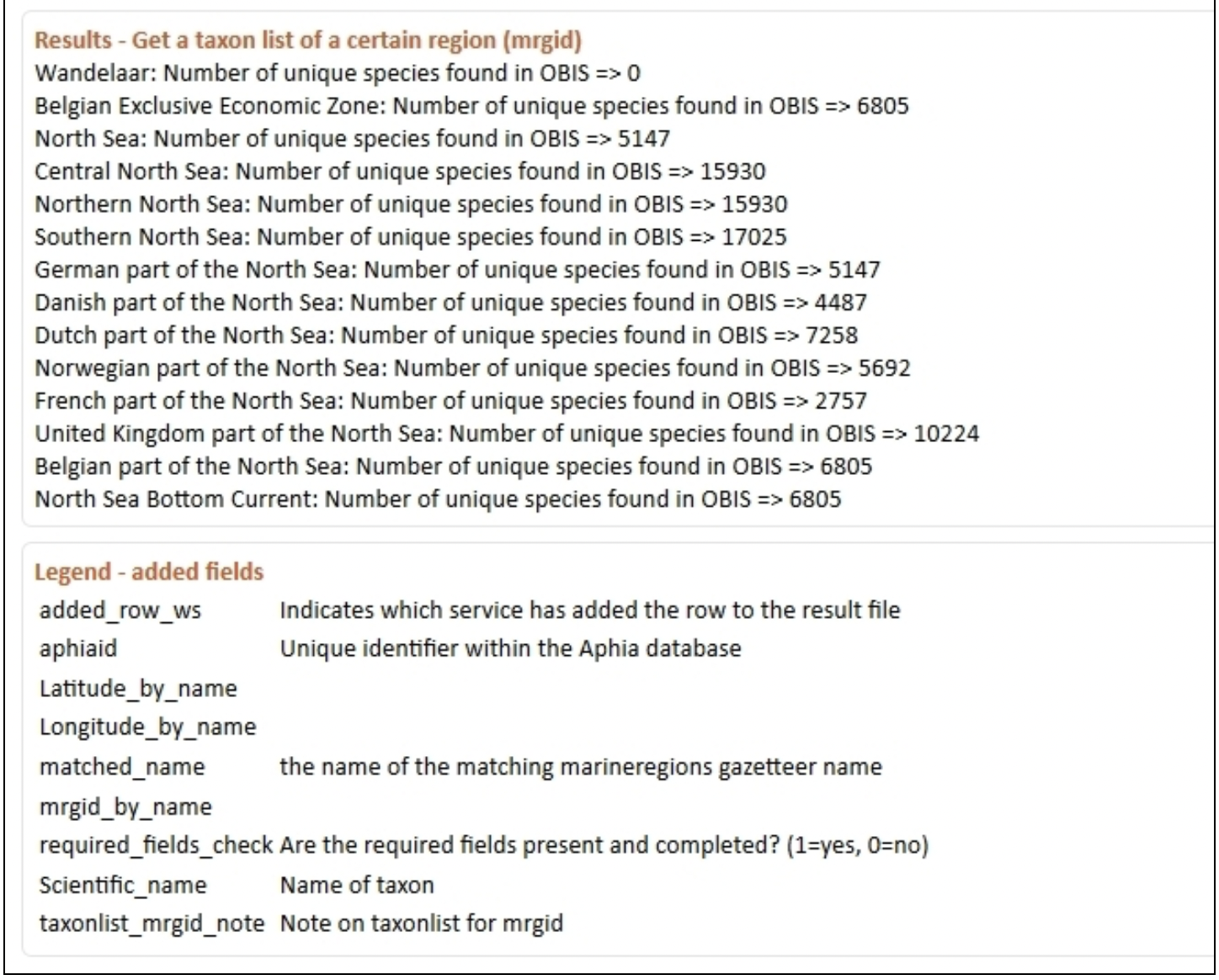
The result report gives an overview of the requested web services, the results per web service, any errors that might have occurred during the process, and a legend of the added fields in the result file.
-